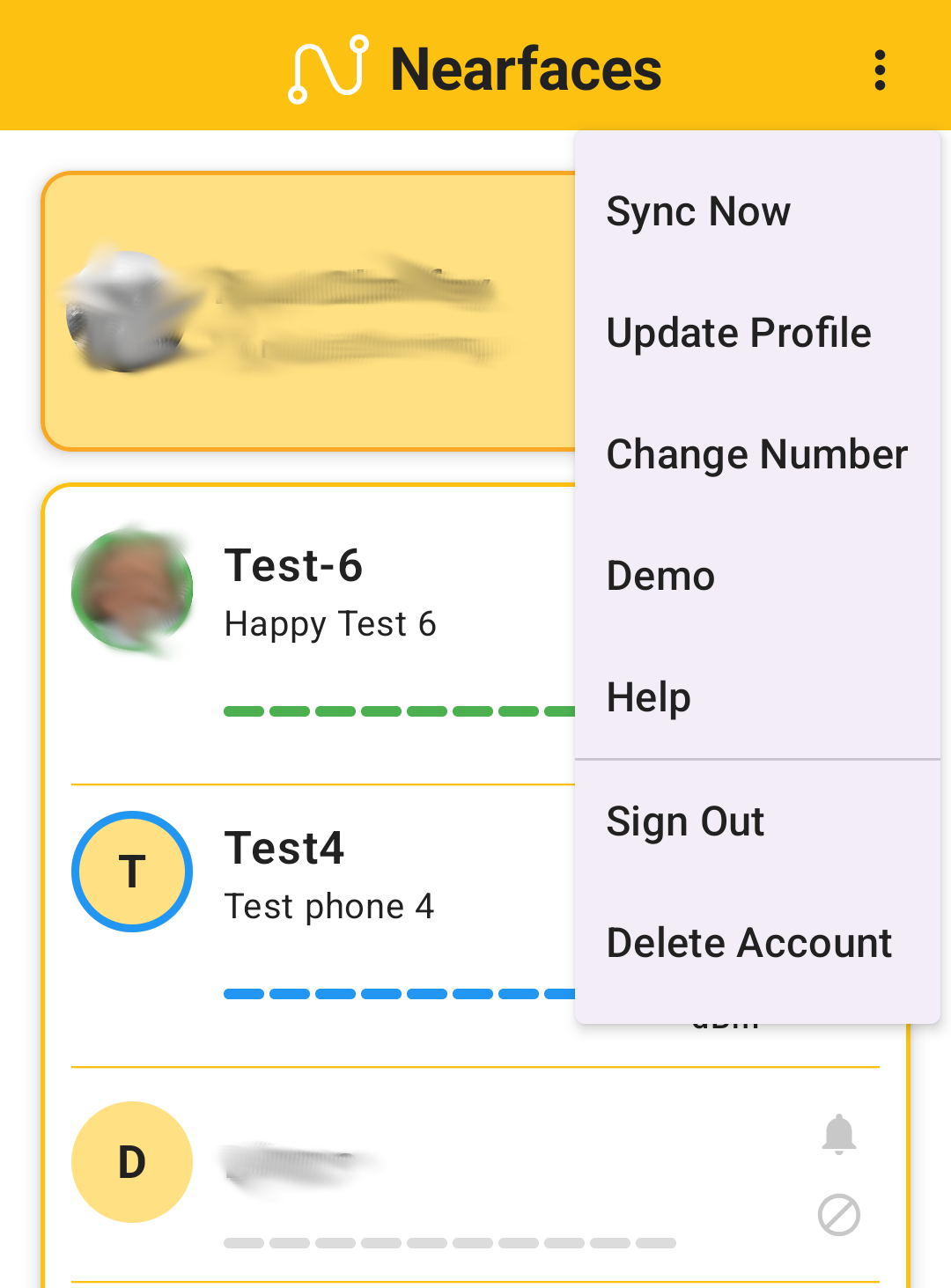
You can delete your account anytime by opening the App and selecting the three-dot dropdown menu:
f you only wish to remove your Photo, select Update Profile and then Remove Photo.
If you wish to remove all data (Name, Status, Phone Number, and Email address + Photo), simply press “Delete Account”.
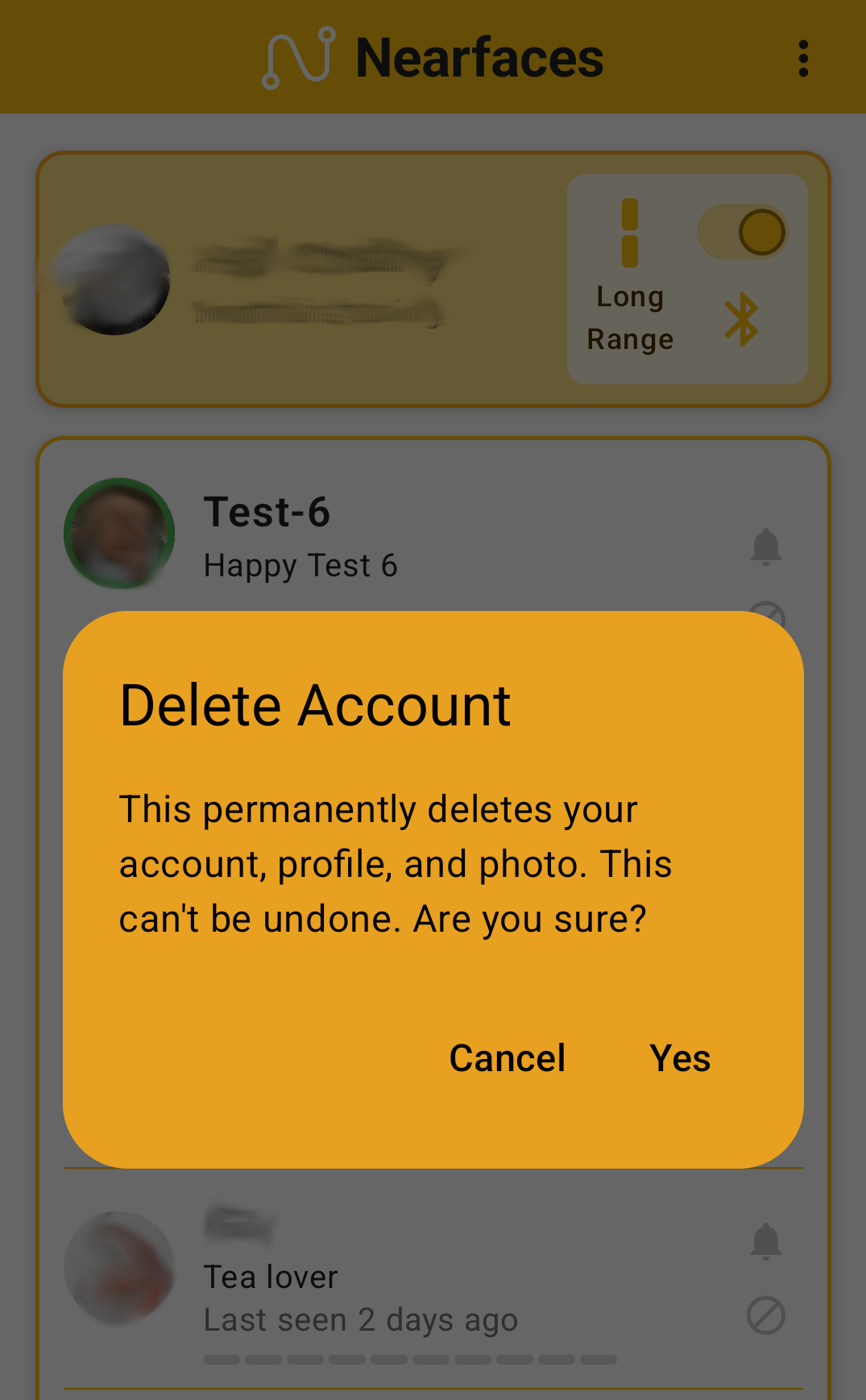
After pressing “Delete Account”, the following popup will be displayed:
Press Yes to remove all data, afterwards you will be logged out completely.